






Website Search
Monday-Thursday: 9:30am-7:00pm
Friday: 9:30am-6:00pm
Saturday: 9:30am-5:00pm
Sunday: 1:00pm-5:00pm
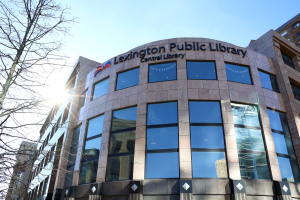
140 East Main Street
Lexington, KY 40507
The Kloiber Foundation STEAM Lab, located on the fourth floor of Central Library at 140 East Main Street, is a space for youth and families to explore and create using resources and programs related to Science, Technology, Engineering, Art, and Math (STEAM). Customers ages 7 and under must be accompanied by a responsible caregiver. Planning to bring a group of 10 or more? Please contact us by calling 859-231-5500 ext.1147 or using the link below.
Recurring programs
Lego Club, Maker Station, and Open STEAM Play sessions are available for children and families. The STEAM Lab also hosts weekly drop-in events, Homeschool STEAM activities, and special programming during school breaks. Check out the upcoming events listed below.
The Central Library's Parking Garage is available to our customers or anyone needing a parking space. There are 428 parking spots in the garage, 10 of which are handicapped or van accessible. The height clearance for garage entry is 13'1". The height clearance for parking access is 6'4".
Two hours of free parking is provided with a ticket validated inside the Central Library.
The Central Kentucky Cemeteries Maps are powered by Google Maps. Counties include: Fayette, Bourbon, Clark, Garrard, Harrison, Jessamine, Lincoln, Madison, Mercer, Montgomery, Nicholas, Powell, Scott, and Woodford.


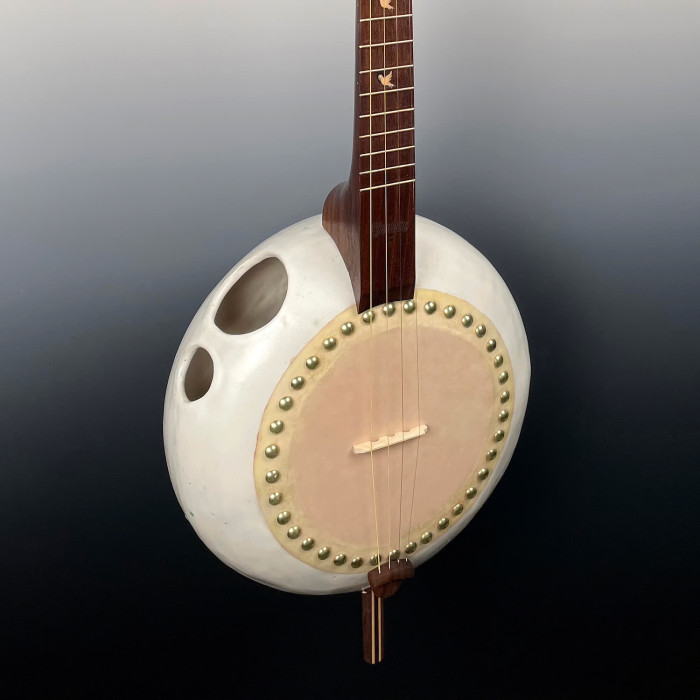
A 1,200-square-foot gallery that features a wide variety of art by local and regional artists. A participating gallery at Gallery Hop.
Discover unique resources in our Digital Archives that tell the story of Fayette County. Visit cemeteries throughout Central Kentucky using our cemetery maps. Contact our resident experts in the Central Library's Kentucky Room with questions. The Lexington Public Library is a FamilySearch Affiliate Library.
Join us in celebrating Asian American and Pacific Islander (AAPI) Heritage Month throughout May. Discover reading recommendations, special free events, view the Central Library gallery exhibit, and more!
Friends of the Lexington Public Library provides financial, advocacy and volunteer support to the Library. Shop at the Friends Book Cellar in the Central Library for a great selection of used books, magazines, CDs, DVDs, audiobooks, and vinyl records, all at discounted prices.
Find out what's happening at our locations. Browse upcoming events and discover our dedicated learning spaces. Reserve a meeting room. Explore our galleries and special collections.
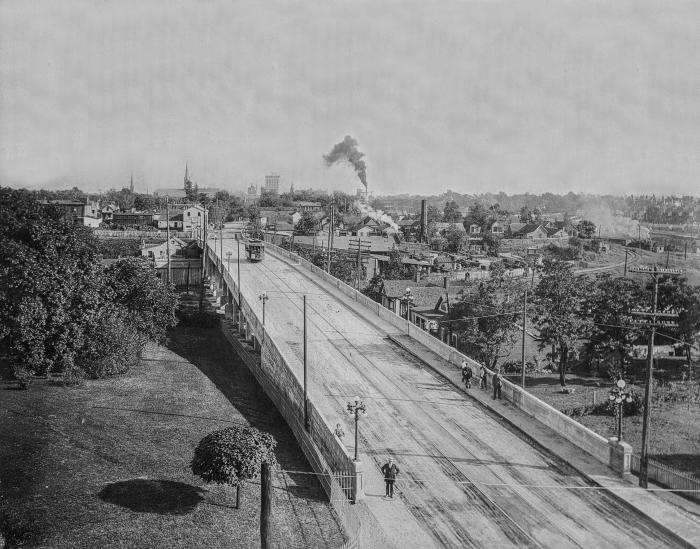
The Lexington Public Library’s Digital Archives provide open access to researchers and students to learn more about the rich history of Lexington and Fayette County. It contains a fraction of the Library’s physical holdings, which are housed and available for reference in the Kentucky Room at the Central Library. New material is being digitized and added constantly, so there's always something new to find.
Description coming soon.
The Lexington Public Library’s Digital Archives provide open access to researchers and students to learn more about the rich history of Lexington and Fayette County. It contains a fraction of the Library’s physical holdings, which are housed and available for reference in the Kentucky Room at the Central Library. New material is being digitized and added constantly, so there's always something new to find.
The William Stamps Farish Fund Theater is a state-of-the-art facility in one of Main Street’s busiest places.
Fully renovated and updated, the theater on the Central Library’s first floor is home to theater, dance, live music, film, community events, and meetings. The Lexington Public Library makes the facility available at some of the city’s best prices, with affordable business, nonprofit, and government rates.
The William Stamps Farish, III Theater at the Central Library is available to the community for lectures, live music, community forums, film festivals, small theatrical productions, dance performances, literary readings, debates, and other creative uses.
Meet with a librarian for one-on-one consultation. Please submit the Book a Librarian Appointment Request Form or call 859-231-5500 during business hours to schedule an appointment. Appointments are scheduled Monday-Friday during Library business hours and typically last 30 to 45 minutes.
The governance of Lexington Public Library is under the direction of 7 Trustees and up to 10 Advisors who guide the long-term strategies for the Lexington Public Library, including the long range plan, annual budget cycle, advocating for the library and for library customers, and policy recommendations.
The Lexington Public Library is home to four collaborative creative spaces for making, learning, exploring, and sharing. These spaces offer a variety of events, high-tech and low-tech equipment for patron use, and serve as a space to build community, explore your creativity, and develop personal interests.
Sample projects
Film a music video, 3D print a fidget toy, digitize old family photos, sew a costume or mend your favorite pair of pants, embroider a t-shirt, comb bind a book, start a podcast, record in the audio booth, create content with the green screen, make custom magnets or buttons, engrave a keychain, print a poster, make custom stickers, and more.
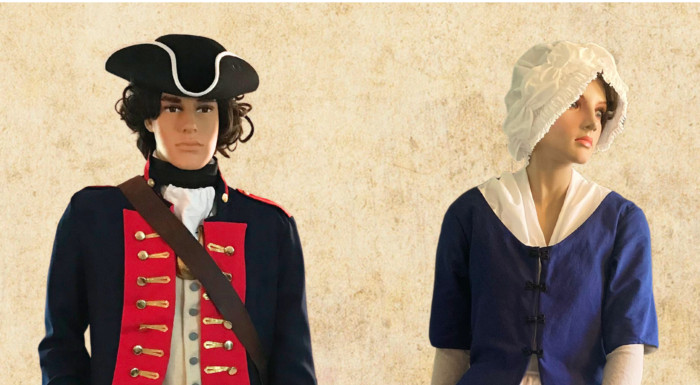
A local history exhibit commemorating 250Lex from March 21 to July 13 at the Central Library Gallery, 140 East Main Street. The exhibit includes items from the library’s own Kentucky Room collection as well as loans from the Lexington History Museum, Keeneland, the University of Kentucky, and local residents.

See what's currently on display at our art galleries.
All the Library Can Be
The library is essential to a thriving community, ensuring equitable access to information, education, and technology for all. We raise funds to support Lexington Public Library programs, services, and special projects that go beyond what public dollars alone can support.


Presented by Arts Connect